A Step-by-Step Implementation Zoho CRM Guide
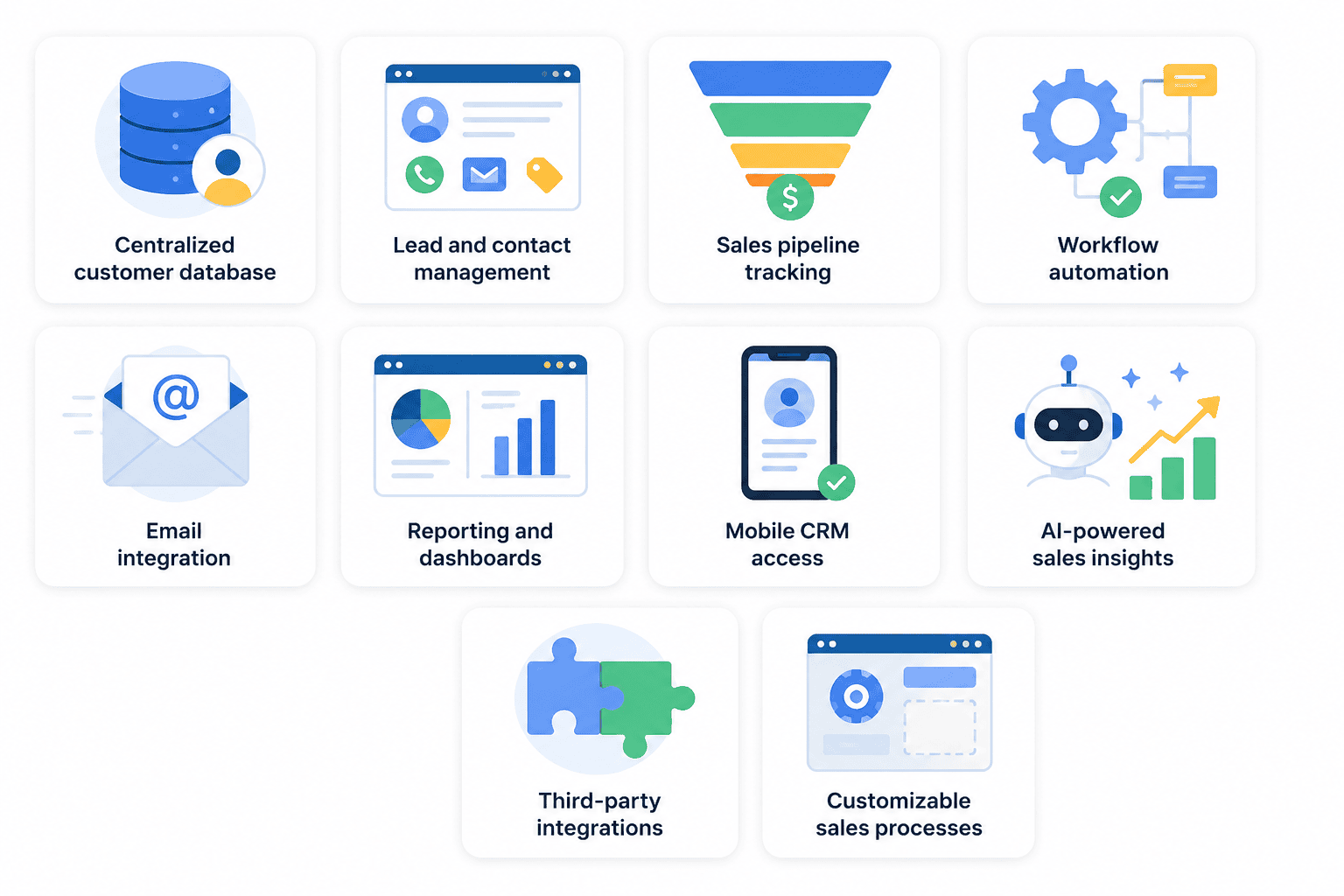
For small businesses, effective customer relationship management is essential for growth. Zoho CRM centralize customer data, automate routine tasks, streamline sales processes, and provide clear visibility into the sales pipeline.
At CRMOZ, we help businesses implement, customize, and optimize Zoho CRM long-term success. In this guide, you'll learn how to set up Zoho CRM a small business in 2026, avoid common pitfalls, and use automation to improve performance.
Why Zoho CRM One of the Best CRM for Small Businesses in 2026
Zoho CRM Challenges: What Businesses Need to Know Before Getting Started
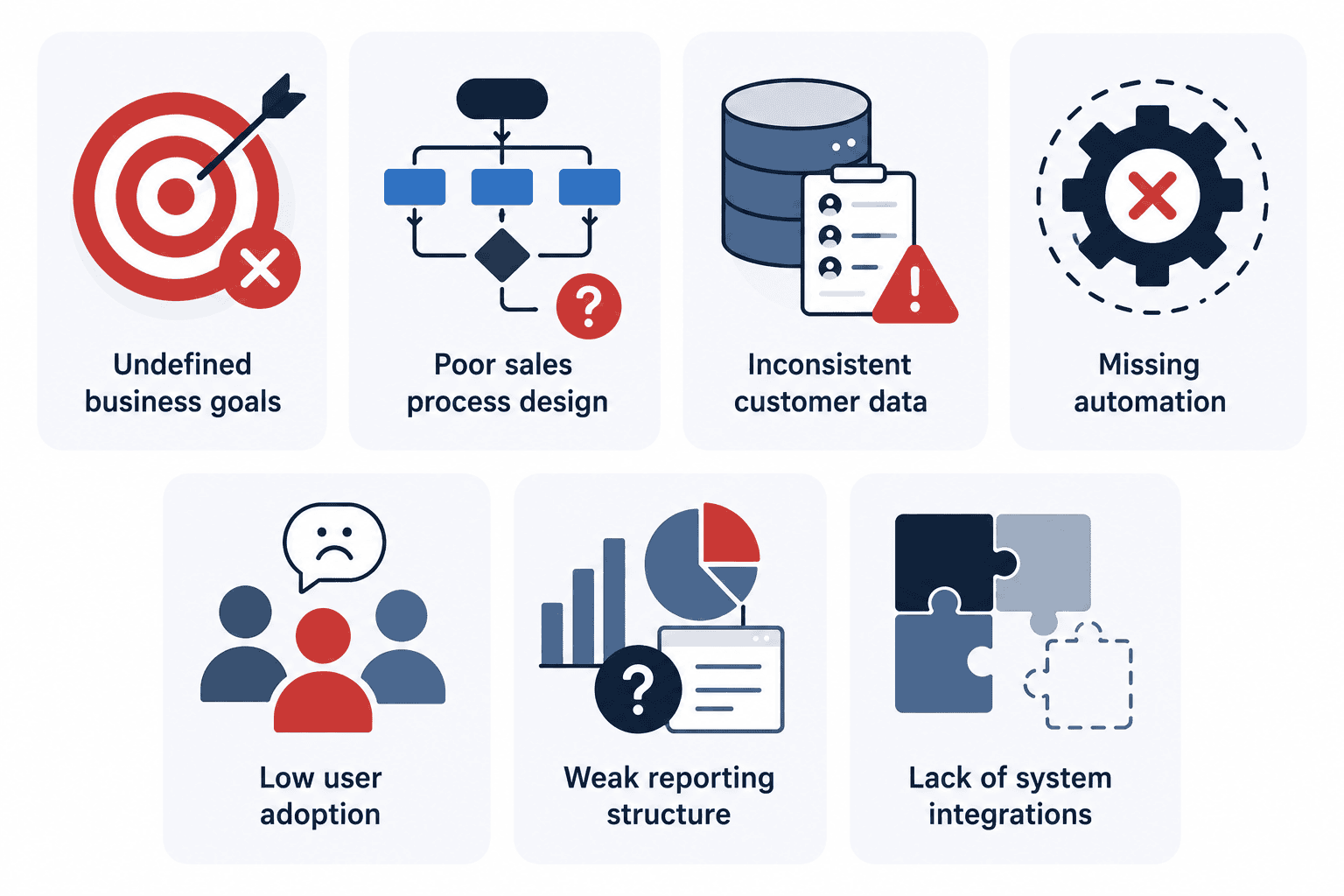
Many businesses assume that purchasing CRM automatically improves sales performance.
In reality, the success of CRM Zoho CRM depends on business processes, user adoption, automation strategy, data quality, and reporting requirements.
The most common challenges include:
Step 1: Define Your Business Goals Before Setting Up Zoho CRM
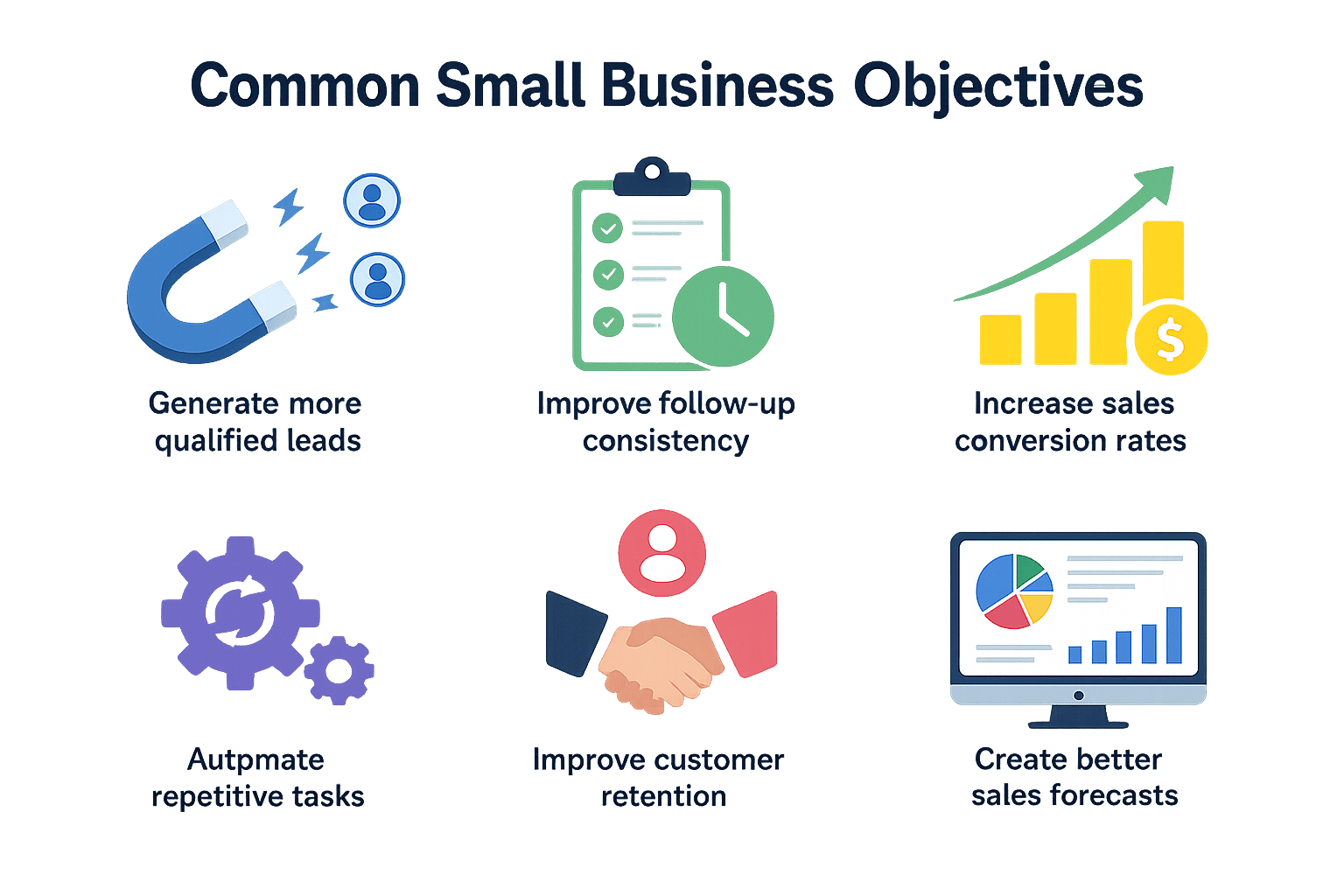
Before configuring Zoho CRM, define specific and measurable business goals. Objectives such as reducing lead response times, improving conversion rates, and automating manual tasks help create a CRM that delivers real business value and supports long-term growth.
Step 2: Map Your Sales Process Before CRM
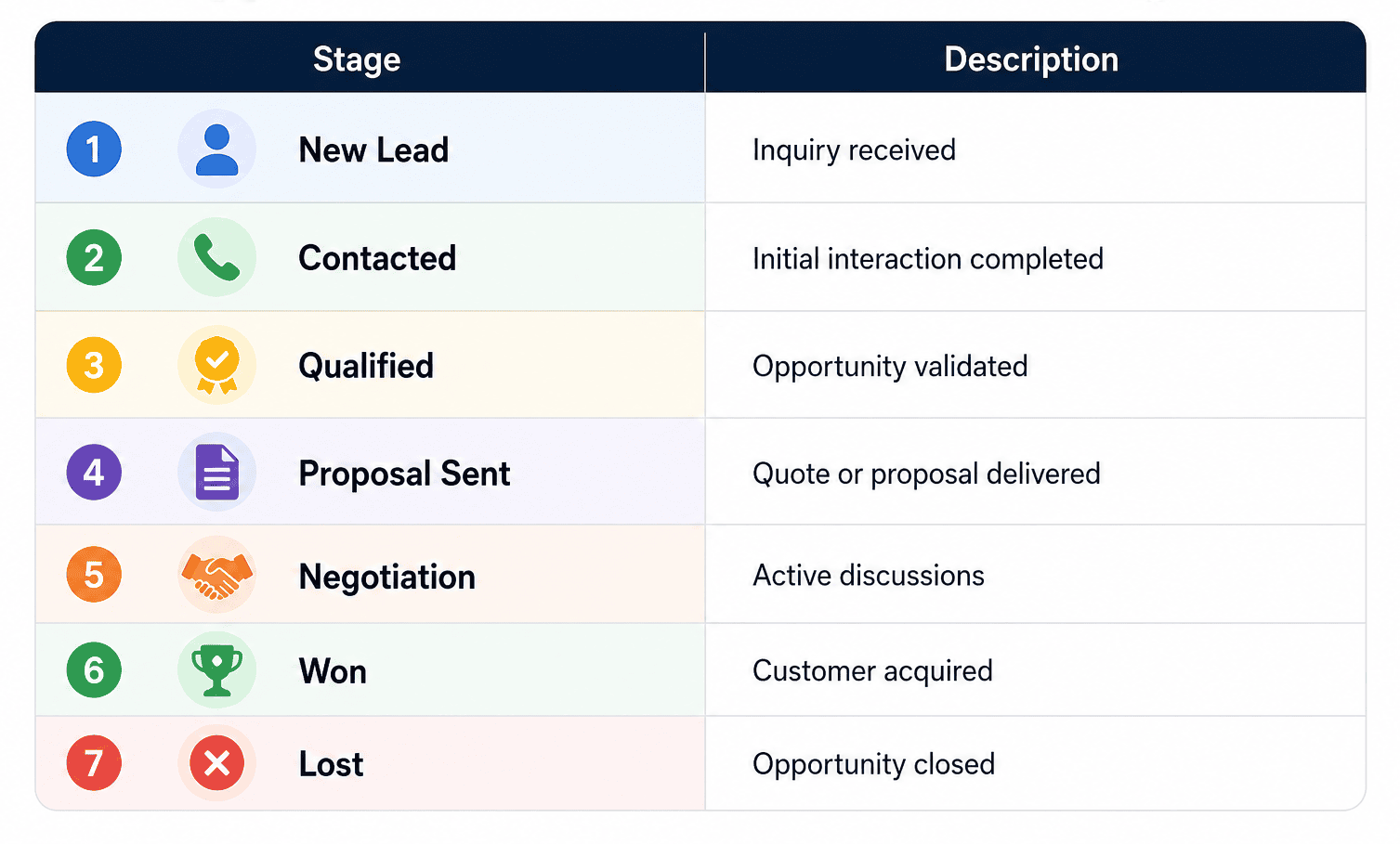
CRMOZ Tip
A CRM is only as effective as the sales process it supports. We've seen many businesses struggle with inaccurate forecasts and low adoption rates because their pipeline doesn't reflect how customers actually make purchases.
Our Zoho CRM experts help organizations map the customer journey, optimize sales stages, and build CRM that support growth, automation, and better decision-making.
Step 3: Configure Essential Zoho CRM
Leads
Track prospects from:
Website forms,
Advertising campaigns,
Referrals, Social Media, Events
Contacts
Store customer information.
Manage organizations and companies.
Deals
Track opportunities throughout the sales pipeline.
Tasks
Manageups customer interactions.
Avoid overcomplicating your CRM during the initial phase.
Step 4: Customize Zoho CRM and Layouts
One of the key advantages of working with custom Zoho CRM is the ability to configure fields, layouts, workflows, and integrations that align with your business goals.
Common Custom Fields in Zoho CRM
- Industry
- Product Interest
- Annual Revenue
- Lead Source
- Customer Type
- Contract Value
- Sales Territory
- Customer Lifecycle Stage
Custom fields enable businesses to collect the information needed for accurate reporting, workflow automation, lead management, and customer segmentation.
Best Practices for Zoho CRM
When customizing Zoho CRM, keep your layouts simple and focused on business needs.
Many companies create dozens of unnecessary fields during implementation, making data entry more time-consuming and reducing CRM across the team. Instead, focus on the information that directly supports sales, marketing, customer service, and reporting processes.
In fact, over-customization is one of the most common mistakes businesses make CRM . If you're planning CRM a new CRM system, read our guide on common Zoho CRM challenges and best practices to avoid costly mistakes and build a scalable CRM from the start.
Step 5: Import and Clean Your CRM
Before importing data into Zoho CRM, it’s important to review and prepare your existing records. Taking the time to clean up your database will improve CRM , reporting accuracy, and automation effectiveness right from the start.
Start by removing duplicate records, correcting formatting inconsistencies, updating outdated contact information, and standardizing naming conventions. A clean and organized database makes it easier for sales teams to manage customer relationships and maintain data quality over time.
Once your data is ready, you can import the core CRM , including leads, contacts, accounts, and deals. Properly structured data helps ensure a smooth Zoho CRM and lays a solid foundation for future sales automation and reporting.
CRMOZ Tip
Data migration is one of the most critical stages of a successful Zoho CRM . Poor-quality data often leads to inaccurate reports, ineffective workflows, duplicate records, and a loss of user trust in the system. Clean, reliable data is the foundation of effective CRM , automation, and long-term business growth.
Step 6: Configure User Roles and Permissions
A successfulZoho CRM begins with a well-defined user role and permission structure. When setting upZoho CRM roles, businesses should grant sales representatives, managers, and executives access only to the data, reports, dashboards, and CRM relevant to their responsibilities. ProperCRM control,Zoho CRM settings, androle-based permissionshelp protect customer data, improve user adoption, streamlinesales process automation, and ensure accurate reporting across the organization. A well-structured permission model is a critical part of anyZoho CRM ,CRM , and long-term CRM strategy.
Step 7: Automate Repetitive Sales Processes
One of the biggest advantages of Zoho CRM is reducing manual work and improving sales efficiency.
Common automation workflows include lead assignment, creating follow-up tasks, email notifications, and deal stage automation. These workflows help businesses respond more quickly, improve consistency, and streamline the sales process.
CRMOZ Tip
Before implementingCRM automation, make sure your sales process is optimized. Automating inefficient workflows will only create bigger problems as your business grows.
Step 8: Integrate Zoho CRM Your Business Systems
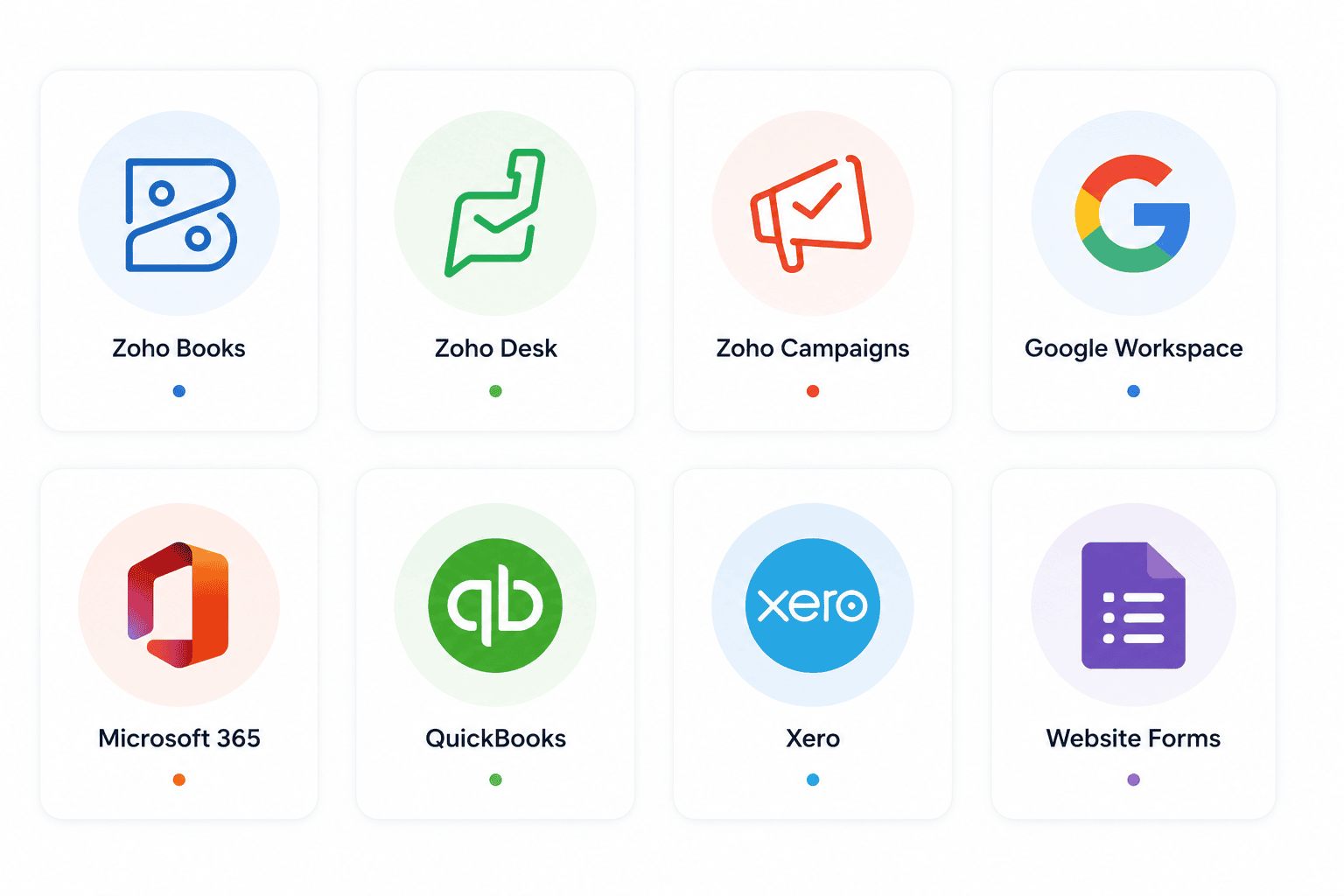
Popular Zoho CRM
Zoho Books
Zoho Desk
Zoho Campaigns
Google Workspace
Microsoft 365
QuickBooks
Xero
Website Forms
Need help with Zoho CRM ?
CRMOZ businesses integrate Zoho CRM accounting systems, marketing tools, customer support platforms, and custom business applications.
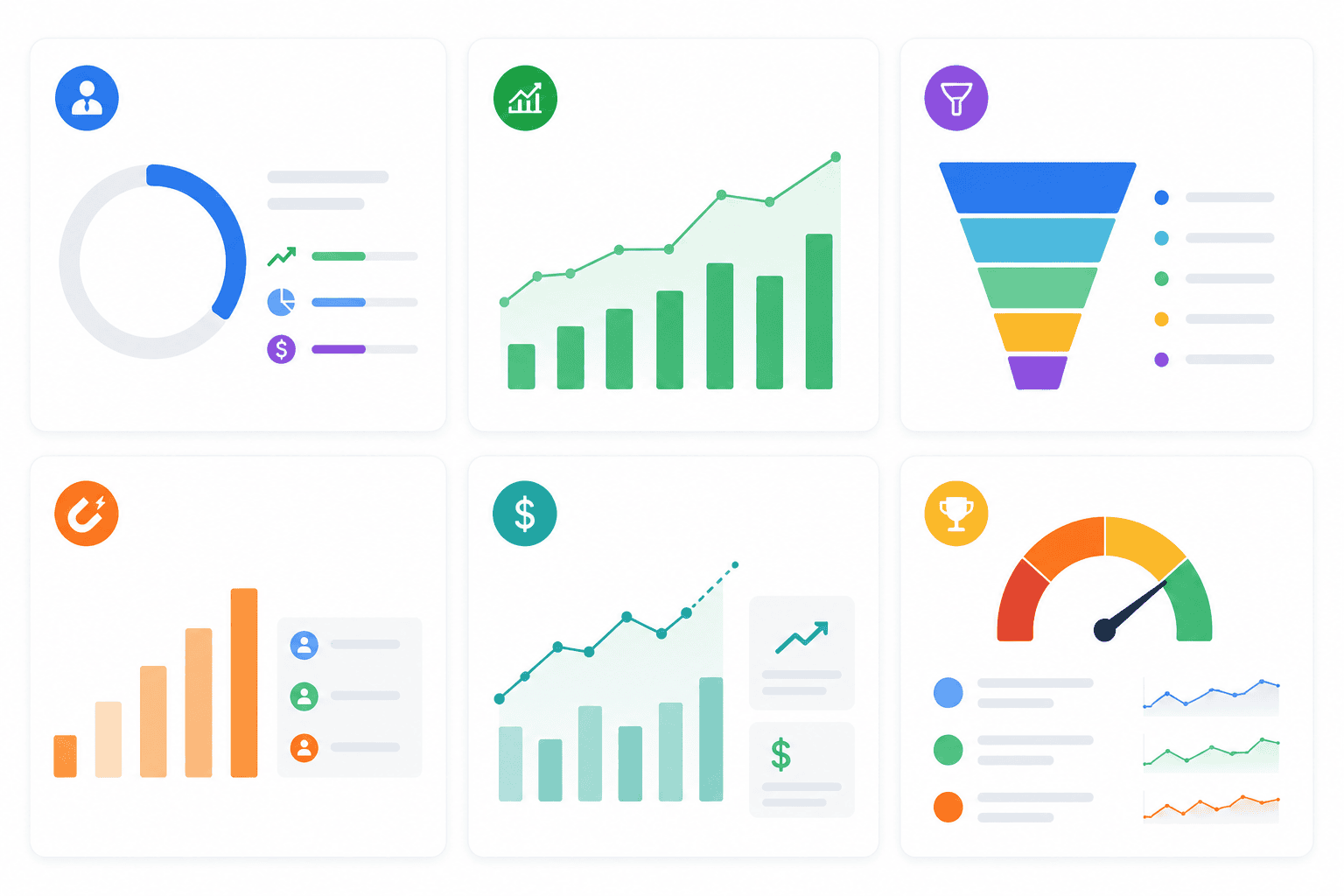
Step 9: Create Dashboards and Reports
Essential Zoho CRM Reports
Lead Conversion Rate
Sales Pipeline Value
Closed Revenue
Sales Activity
Deal Win Rate
Lead Sources
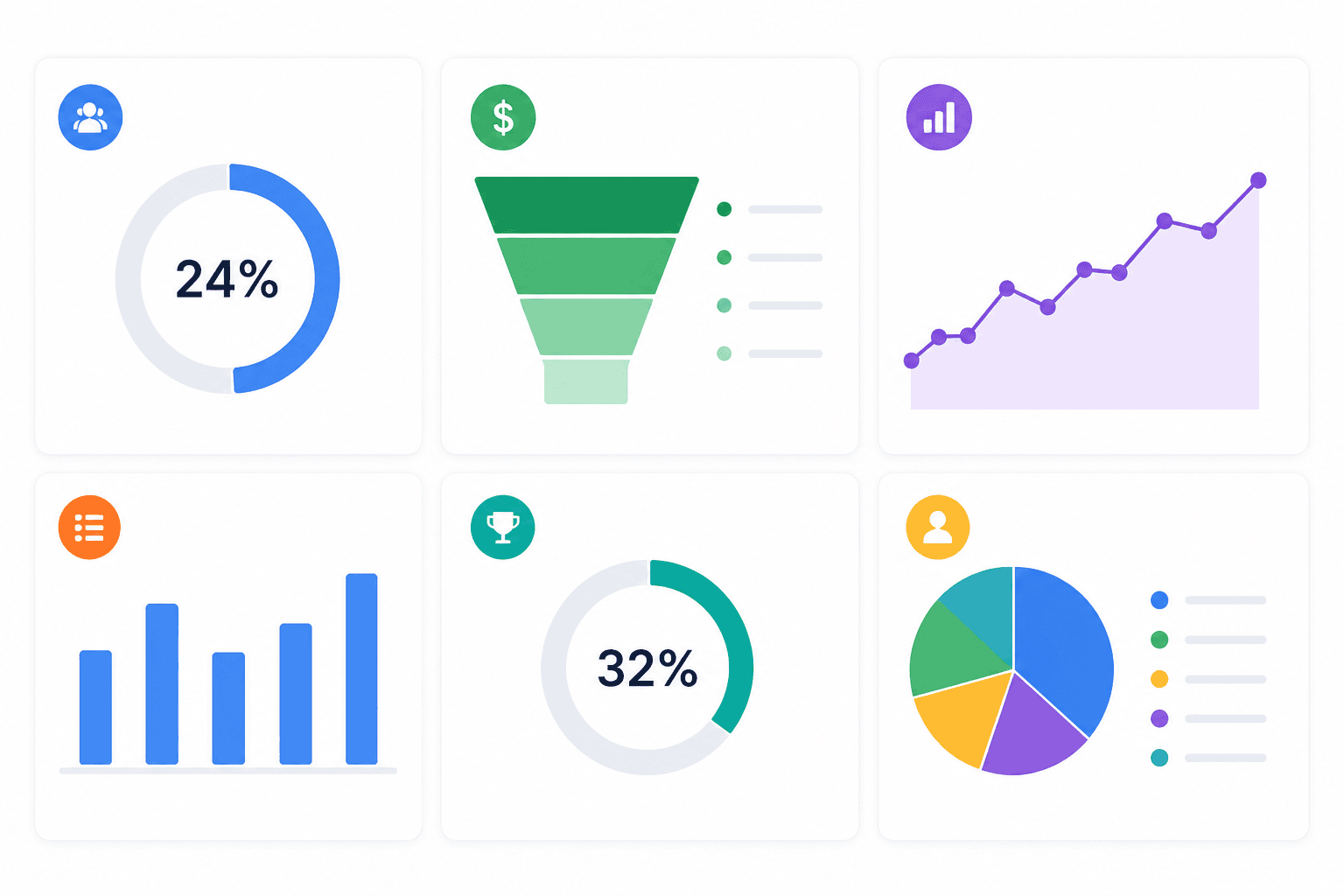
Essential Zoho CRM
- Executive Dashboard
- Sales Dashboard
- Pipeline Dashboard
- Lead Generation Dashboard
- Revenue & Forecast
- Sales Performance Dashboard
Step 10: Train Your Team for Long-Term CRM
Even the best Zoho CRM won't work without user adoption. Effective CRM should include:
- Role-based training
- Real-world scenarios
- Hands-on practice
- Streamline CRM
- Ongoing support
Common Mistake:Many businesses offer a single training session and expect lasting results. Continuous learning and CRM programs help improve adoption, data quality, and overall CRM . Learn more about our CRM and educational services.
Common Mistakes CRM Zoho CRM
❌ Starting without business goals
❌ Importing low-quality data
❌ Over-customizing the CRM
❌ Failing to take advantage of automation opportunities
❌ Skipping user training
❌ Failure to define KPIs
❌ Failure to integrate critical business systems
Zoho CRM Checklist
Ready to Build a Zoho CRM That Scales With Your Business?
Whether you're implementing Zoho CRM the first time or upgrading an existing CRM , CRMOZ help you avoid costly mistakes and achieve results faster.
From CRM and implementation to automation, integrations, reporting, and support, our certified Zoho experts ensure that your CRM tailored to your business—not the other way around.