Xero with Zoho CRM
The Xero for Zoho CRM an easy-to-use for syncing your documents with your CRM

How does the extension work?
This extension helps you efficiently transfer your contacts, invoices, payments, persons, products, and quotes to your CRM . Frequent automatic synchronization with your xero eliminates the need for constant manual updates. The Xero works out of the box and has a fields mapping menu to let you customize the extension especially for your needs.
Features
- quick and easy setup
- working out of the box
- has flexible sync scheduling tools with intervals ranging from 2 to 60 minutes
- has a menu with field mapping
How to set up the extension?
- After installing our extension, please open its settings and press the "Change Xero " button.
- In the pop-up window, copy the Redirect URL click on the "My Apps " link in the header of the pop-up window.
- In the Xero , enter any name for the app, enter "crmoz" and paste URL redirect URL the field. Read the Terms and Conditions, check the box, and click the "Create App" button.
- Go to the "Configuration" section in the left menu, click the "Generate a secret" button, copy the "Client ID," return to the tab with Zoho CRM paste it into the fields in the pop-up window respectively.
- Select the modules you would like to sync to your Zoho CRM, set the schedule, and you're all set!
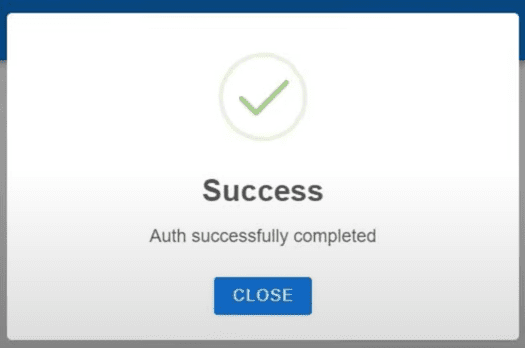
The extension has just been set up and will sync information from Xero your Zoho CRM a daily basis according to the schedule set. If you have any questions, please do not hesitate to contact our support team at [email protected] Wishing you all the best!