Expanded possibilities
Communicate with customers via voice and video chat, transfer files and updates of any kind, schedule remote support sessions at your and your customers' convenience, run diagnostics, manage all data, enable one-click technology and record sessions. CRMOZ you select and customize the tools your business needs, and integrate API, ITSM and Service Desk solutions

Instant support
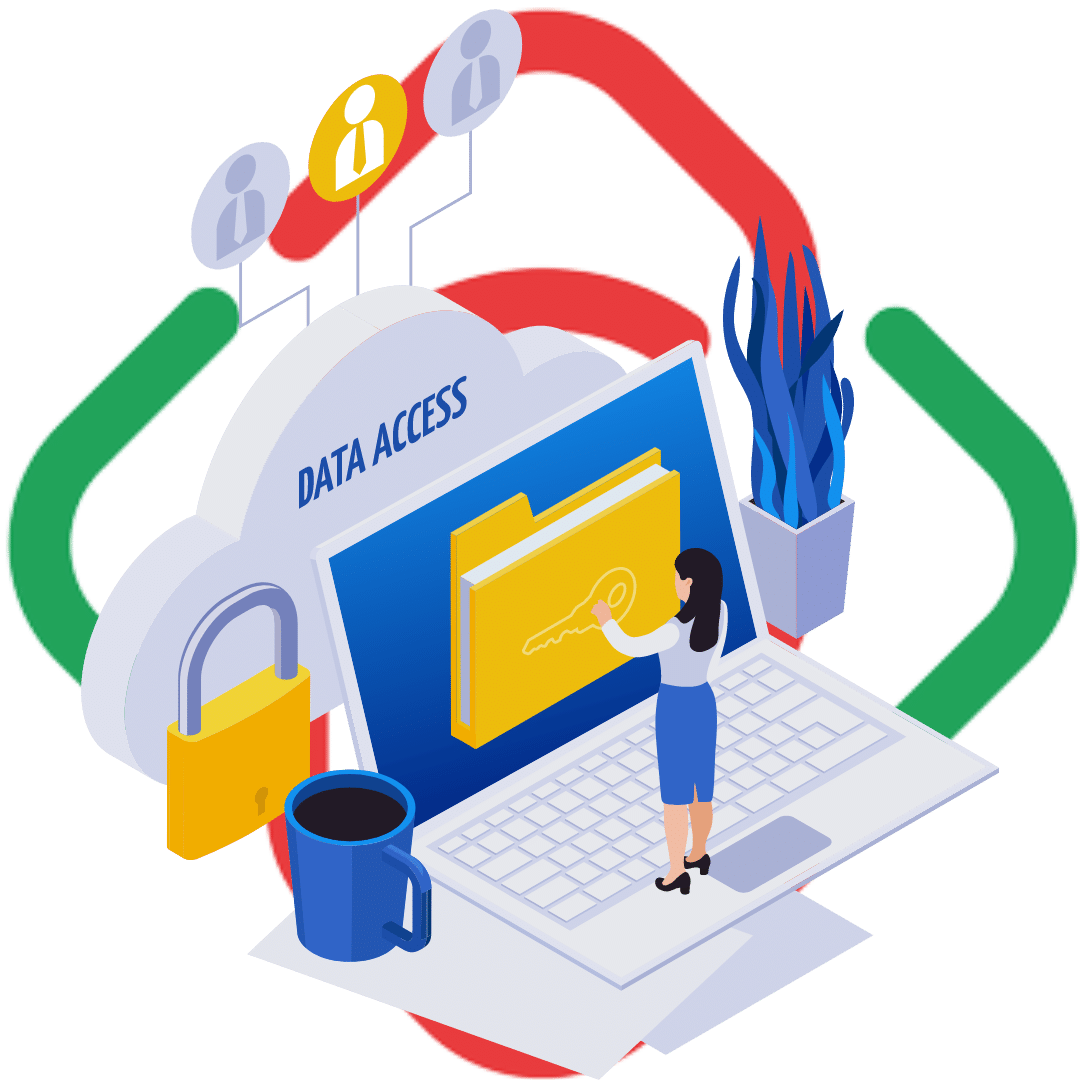
We know that time is one of the most valuable resources for a business, so we Zoho Assist lets you perform many tasksinstantly—from connectivity, multimodal navigation, and automatic remote access configuration to power actions, scheduled diagnostics, and reporting. Don’t worry about security—all yourdataisfullyprotectedwithend-to-endSSL and 256-bit AES encryption.
Zoho Assist
Additional integrations with applications can streamline the data exchange process, make specific tasks more convenient, and improve interactions more efficiently during business operations based on Zoho CRM . One such integration is the Zoho Assist —a cloud-based remote customer support tool. It is designed to provide secure assistance and troubleshooting for IT support teams and businesses.
Convenient Customer Support at Affordable Prices
Zoho Assist customer service by providing access to the client's devices. Support agents can remotely manage, diagnose, and resolve technical issues, provide real-time support, and collaborate effectively. Issues can be addressed from a laptop, desktop computer, or even a mobile device by viewing the screen and configuring the system as if they were physically present.
Zoho Assist offers a range of additional features to enhance the remote support experience, including file transfer, real-time chat functionality for customer communication, session recording for later use or training, and the ability to reboot and reconnect devices remotely.
We offer to set up your business processes using Zoho Assist features, as the software is designed with ease of use in mind. It makes it easy to implement scalability features and support for growing businesses. Furthermore, it integrates seamlessly with other Zoho applications, such as Zoho Desk Zoho CRM, as well as popular third-party help desk and customer support tools. These integrations help streamline workflows, boost productivity, and ensure a smooth transition between support interactions and ticket management.
Contact Us to Find Out How Much Our Customer Support Services Cost
The Zoho customers application offers essential features needed for professional support, even through firewalls and proxy servers. It does not require software installation and can be launched directly in the browser. By using it, you will get:
- Support for all systems
- Sending via Ctrl + Alt + Del
- Remote reboot and reconnection
- Multiple options for sending connection requests
- Detailed reports on feature usage
- Adaptation to protective systems
- Code for connecting the widget to the website
- Secure data transmission
- Desktop plugin for quick access
- Two-way screen sharing with a single click
- Built-in file transfer
- Instant messaging system
- Multi-monitor support
- Clipboard
- Access Control Management
- Session reports
The cost of using the application to provide customer support will soon pay for itself. With Zoho software subscriptions, you gain the ability to interact on the platform and access a comprehensive business solution through company integrations. This reliable remote support software offers a wide range of features within the free remote access package and can help you maintain an organized workflow. If you’d like to learn more about setup requirements, timelines, and pricing, please feel free to contact us via your preferred method.