Today, we have an exciting topic to discuss—downloading and installing Zoho on your PC. If you're not familiar with Zoho, it's a powerful suite of cloud-based productivity apps to help you streamline your business and personal tasks. But did you know that you can also download and install some of these apps on your desktop? In this article, we'll guide you through the process and highlight the pros and cons of using the desktop version compared to the cloud-based option. So, let's dive right in!
How to download Zoho Apps?
First of all, you need to understand that not all Zoho Apps a desktop version and work perfectly in the cloud, but if you want to get a version for your PC, you need to take the following steps:
- Get a subscription for the app or bundle of apps like Zoho CRM Plus or Zoho One) you are interested in, and we would also recommend setting everything up in the website version.
- Downloading the app to your PC (we will leave links where you can download these apps )
- Installing the app on your PC and setting it up
How to download Zoho CRM Plus PC?
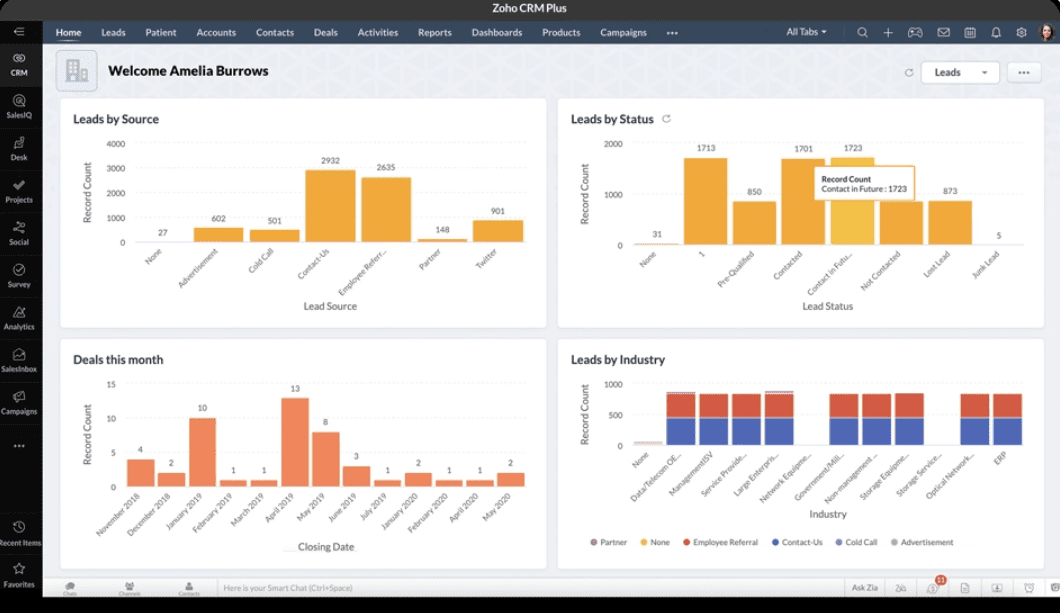
Zoho CRM Plus - is a unified customer interaction platform that helps you deliver an exceptional experience for every customer at every stage of the customer lifecycle and convert them into loyal customers.Zoho CRM Plus your marketing, sales, and support teams together and gives them the tools they need to work most effectively.
All the features of Zoho CRM Plus into one seamless desktop application to unify your sales, marketing, and support teams across different operating systems.Zoho CRM PLus bundle offers you a desktop app for:
- Windows (64-bit)
- Windows (32-bit)
- Mac
- Linux
How to download the Zoho Mail app?
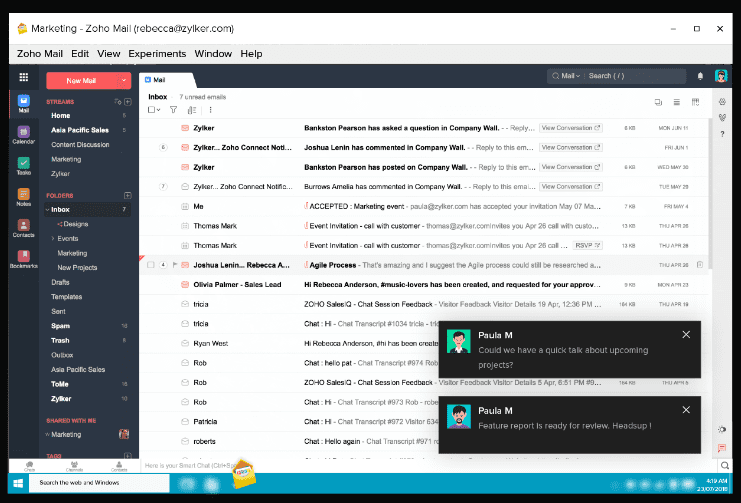
The Zoho Mail Desktop Lite client is a free installable application that allows you to access Zoho Mail your desktop/laptop. With all the comfort and familiarity of our web interface, it also allows easier and faster access to your Zoho Mail . The desktop client is synced with our web version, which enables easy transition between both if needed.
While the desktop client is similar to the web application, it has a number of advantages over the web version.
- The Zoho Mail Client App allows easy access to your mail inbox with just one click
- The desktop notifications and badge notifications, in addition to the application being in your dock, provide much-needed visibility for your personal and business emails.
- The frameless look that comes with the application helps you manage your emails away from the distraction of your browser tabs
- Owing to the locally hosted nature of the Desktop app, there is minimal loading time which ensures a faster user experience.
How to download the Zoho Books desktop app?
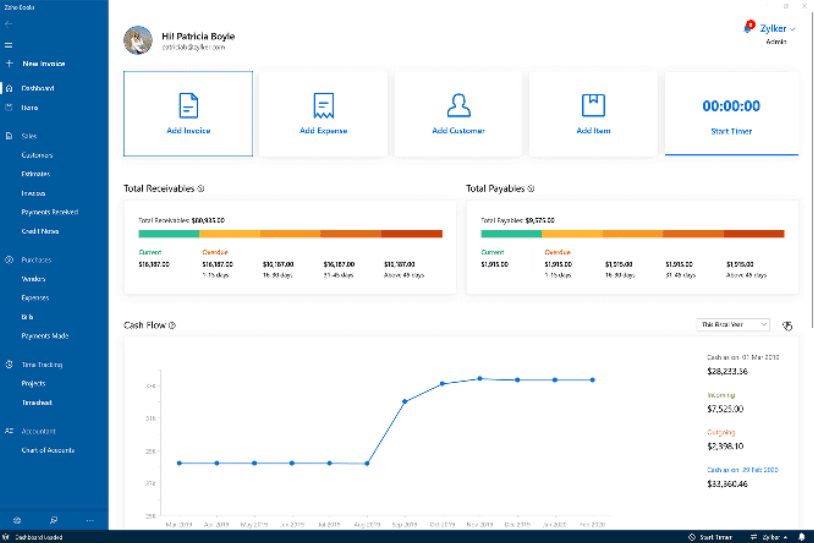
Zoho Books is a modern accounting app designed for Windows 10. Send quotes and invoices, record expenses and bills, manage projects, and streamline your accounting.
- High security. Secure your data with fingerprint scanning or facial recognition using Windows Hello. Set up Windows Hello on your Windows 10 , then secure data with just a swipe or a glance.
- Clutter-free UI.Find everything you need without missing a beat. Our tidy user interface helps you set up Zoho Books easily, work smoothly throughout the app, and get the most out of all its features.
- Mobility.You don't need your computer to do your accounting. Zoho Books is also available for Windows 10 , so you can carry your accounting with you anywhere.
How to get Zoho Writer PC?
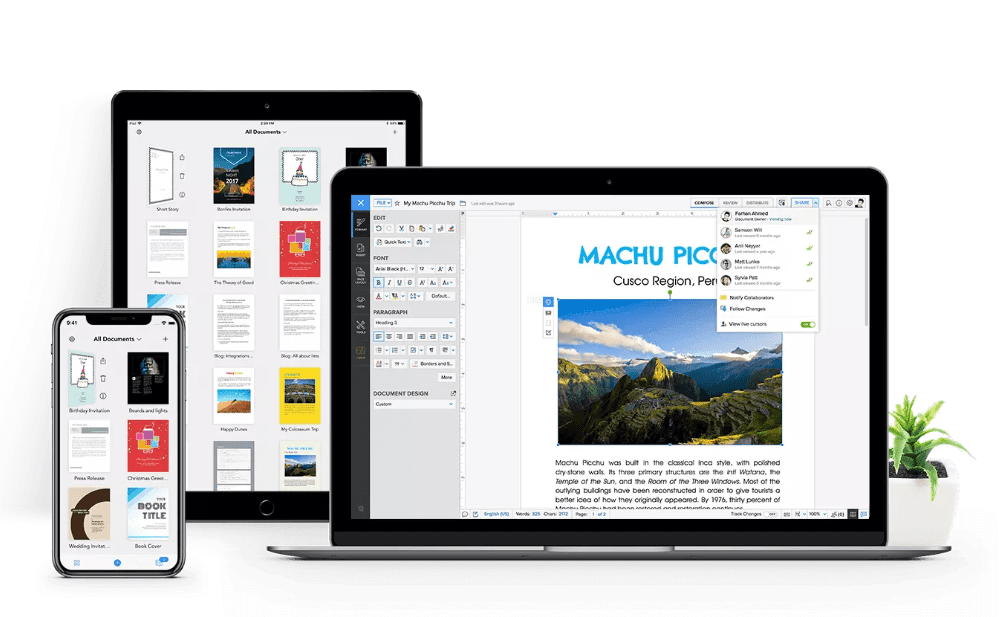
Create, edit, and collaborate on documents from the comfort of your home. Say hello to the complete desktop word processor that has everything, but costs nothing!
Zoho took Writer and all of its features, and carefully condensed it into a smart app, making everything from writing and editing to signing and collaboration as robust on your desktop as in our browser version.
Main advantages of using the Zoho Writer app:
- Work offline. With Writer Offline for desktop, you can work uninterrupted from your computer, even when you're not connected to the internet.
- Take your work to your desktop. Have unfinished work on your mobile or iPad? Sign in and sync it with your desktop app to finish your work on a bigger screen.
How to download Zoho Cliq PC?
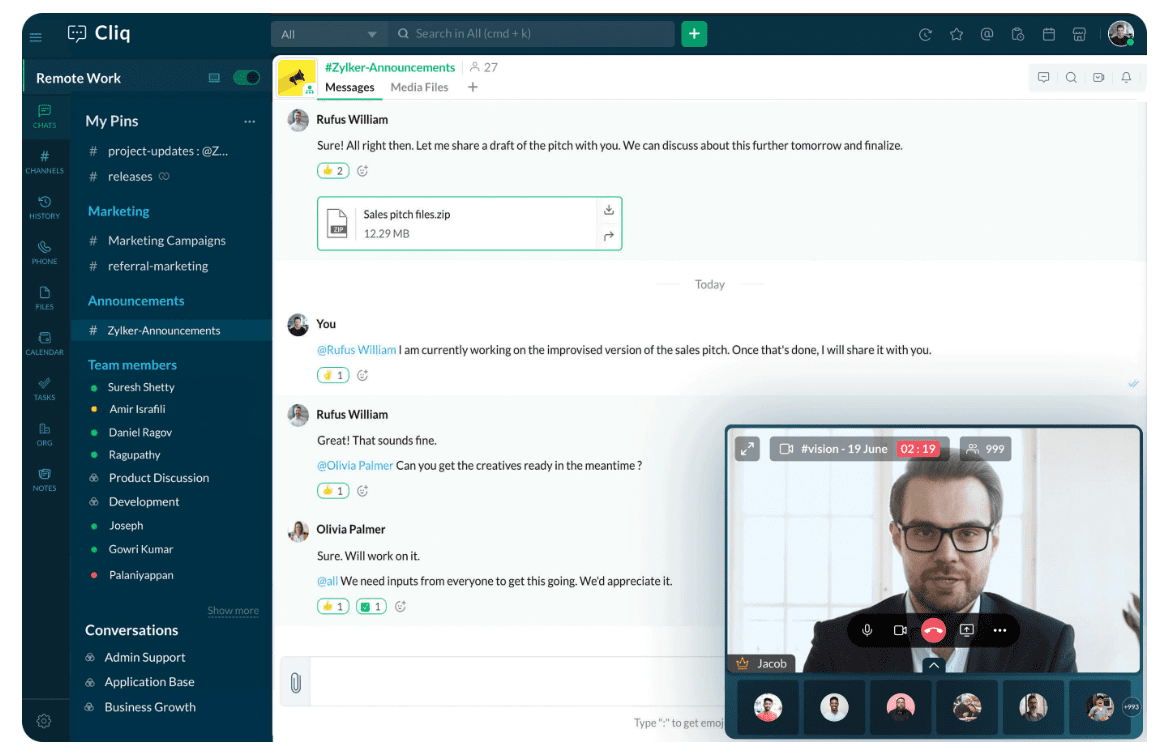
Zoho Cliq simplifies your team communication with organized conversations, easy-to-find information, and connections to the tools you love. Work together, no matter where you are. Unite not only your team, but also tasks, files, and everything you need to work together smoothly. Automate workflows by creating bots, easily find all necessary messages, files, users, and communicate transparently, efficiently, and securely.
Does it seem impossible to build effective teamwork working remotely? Zoho Cliq otherwise. Supervise your workers, have discussions and brainstorm thanks to virtual group calls, share your ideas with colleagues on a dedicated whiteboard right in the chat window, and share your screen to show what you're currently working on.
Zoho Cliq is available for Windows, Mac Linux .
Zoho Connect App
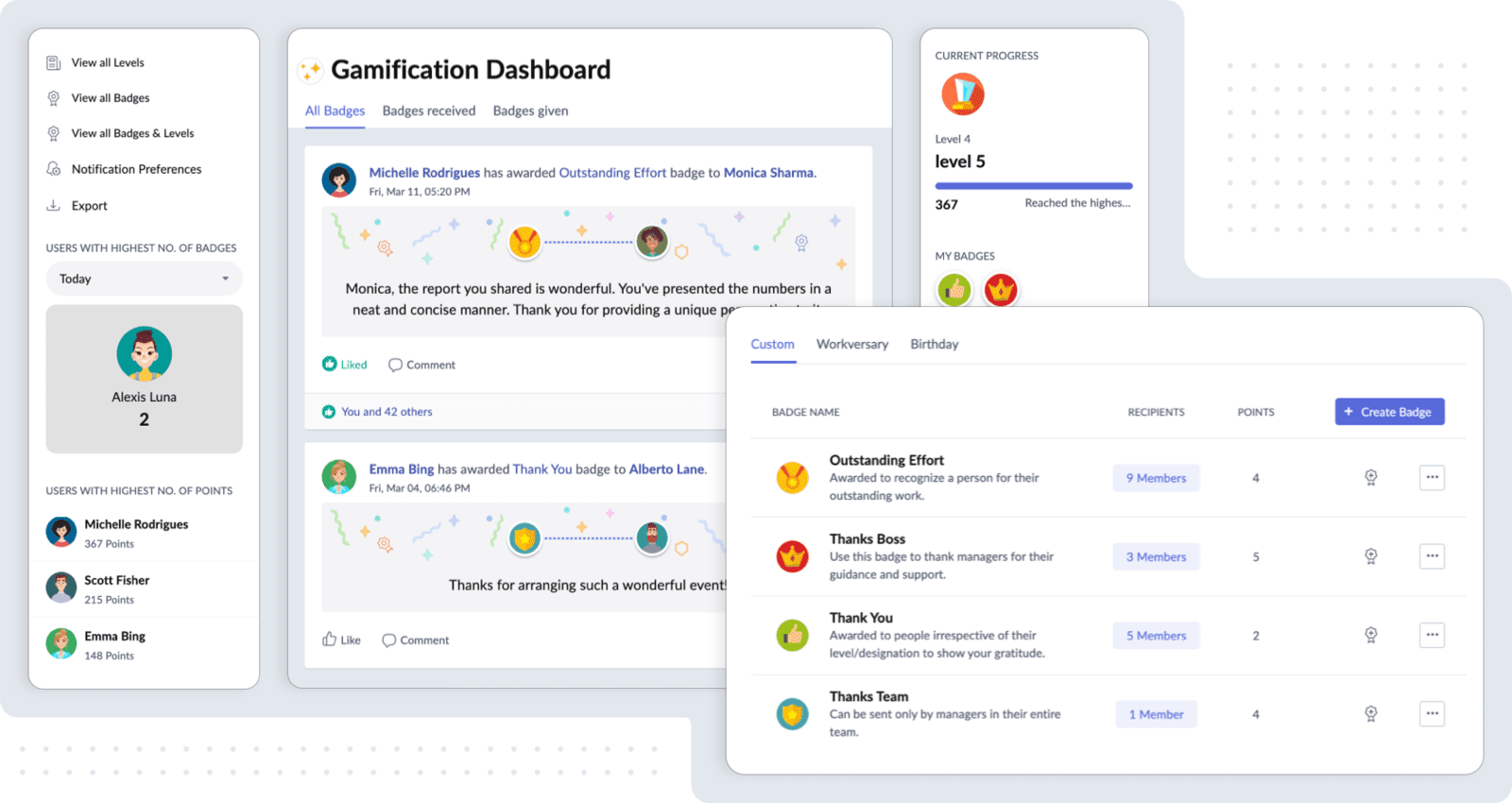
Build a thriving workplace culture with Connect's centralized intranet solution for internal communications, employee engagement, and collaboration.
Whether they're in-office employees or distributed teams, you can efficiently broadcast critical information to all with Connect. Share newsletters, company events and updates, images, videos, useful links, and more, and keep it all organized in a visually appealing platform.
Build a culture of appreciation, learning, and sharing by creating a digital space for your teams to communicate and exchange ideas freely. Track engagement metrics like most popular groups, active members, and more.
Zoho Connect available for Windows, Mac Linux.
Download the Zoho Voice app
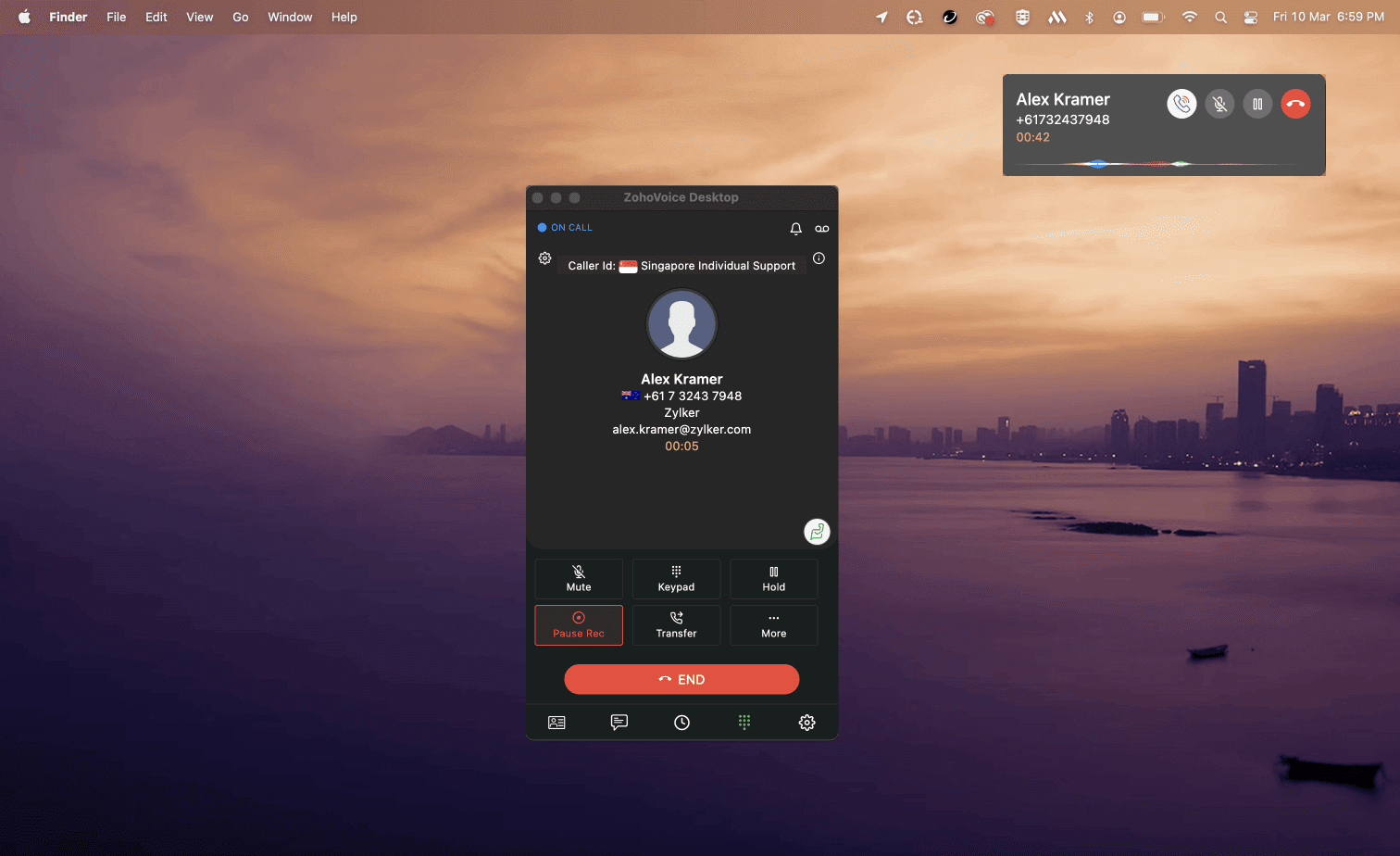
Zoho Voice online telephony software that allows you to purchase phone numbers to make and receive local and international business calls.
Zoho Voice features:
- Handle calls without a browser.Enjoy the freedom of accessing Zoho Voice a compatible browser.
- Stay focused.Launch Zoho Voice from your dock or taskbar and run Zoho Voice a distraction-free window.
- Leverage Zoho Voice a powerful device.Experience optimal performance by coupling Zoho Voicequality desktop client with a dedicated powerful device.
- Skip tab switching.Replace time-consuming tab switching while juggling multiple apps one dedicated intelligent desktop client for Zoho Voice.
- Stay signed in.Stay signed in until you sign out and access Zoho Voice as soon as you open your desktop app on your dedicated device.
Download Zoho Meeting desktop app
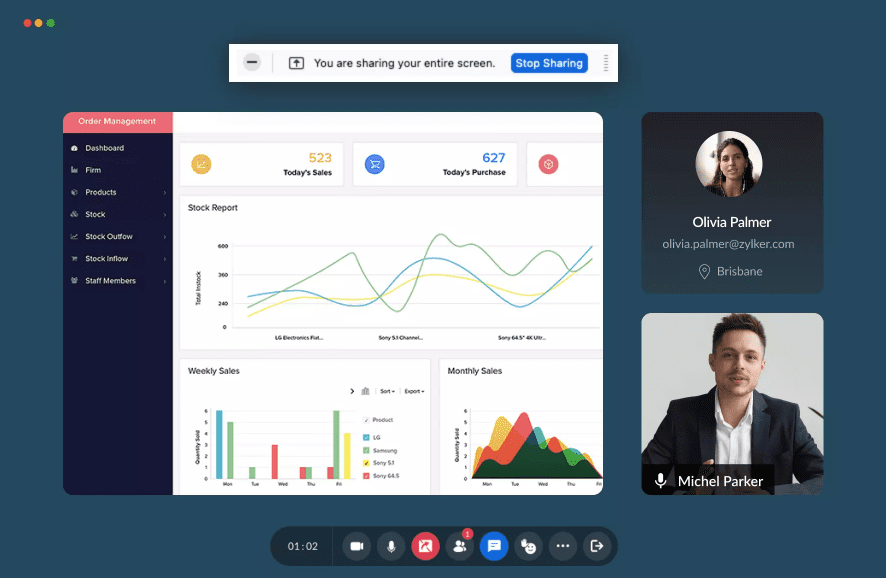
- Quick-start your meetings.If you frequently hold remote online meetings, you know it can be time-consuming to navigate to Meeting in your browser to launch new meetings each time. With the Zoho Meeting shortcut, you can start instant meetings, schedule a future meeting, share your screen, and connect with your participants right from your desktop.
- Keep track of all your meetings on your desktop.It can be a tedious task to keep track of all your upcoming meetings solely from your browser. By downloading the Zoho Meeting application, you can create an organization profile, schedule meetings, and keep track of all your past and upcoming meetings in one place.
- Collaborate with colleagues conveniently.Whether you need audio conferencing or video conferencing, Zoho Meeting desktop app shortcut is just a click away. You can connect and collaborate remotely with your team right from your desktop.
- Better integration. The Zoho Meeting application is specifically developed for your computer’s operating system and offers better software and hardware integration. Download the desktop app and connect with your online meetings right away.
- Desktop Meeting app for Marketing and Sales.A sales executive's job usually involves frequent online meetings with potential clients, sometimes from all over the world. To help save time, the Zoho Meeting app lets them effortlessly start instant meetings right from their desktop.
- Desktop Meeting app for Executive training.Executive training requires you to provide multiple training sessions for different people each day. Use the Zoho Meeting app for PC to save time and conduct training sessions with a click.
- Desktop Meeting app for quick remote collaboration.A work-from-anywhere model requires businesses to launch frequent online meetings with remote teams. Instead of starting meetings from a browser every single time, business teams can download Zoho Meeting app to quickly launch meetings with a few clicks.
- Desktop Meeting app for Online classes.In online courses, teachers and students need to connect over multiple sessions each day. If your educational institution uses Zoho Meeting, your teachers and students can download Zoho Meeting app and participate in class sessions with the desktop shortcut.
- Desktop Meeting app for Training sessions and webinars.Webinars and online meetings with our meeting app reduce the time and effort involved in organizing and scheduling on-site training with hundreds of participants. Download the Zoho Meeting app for free to save time and conduct webinars more efficiently.
Zoho Assist application
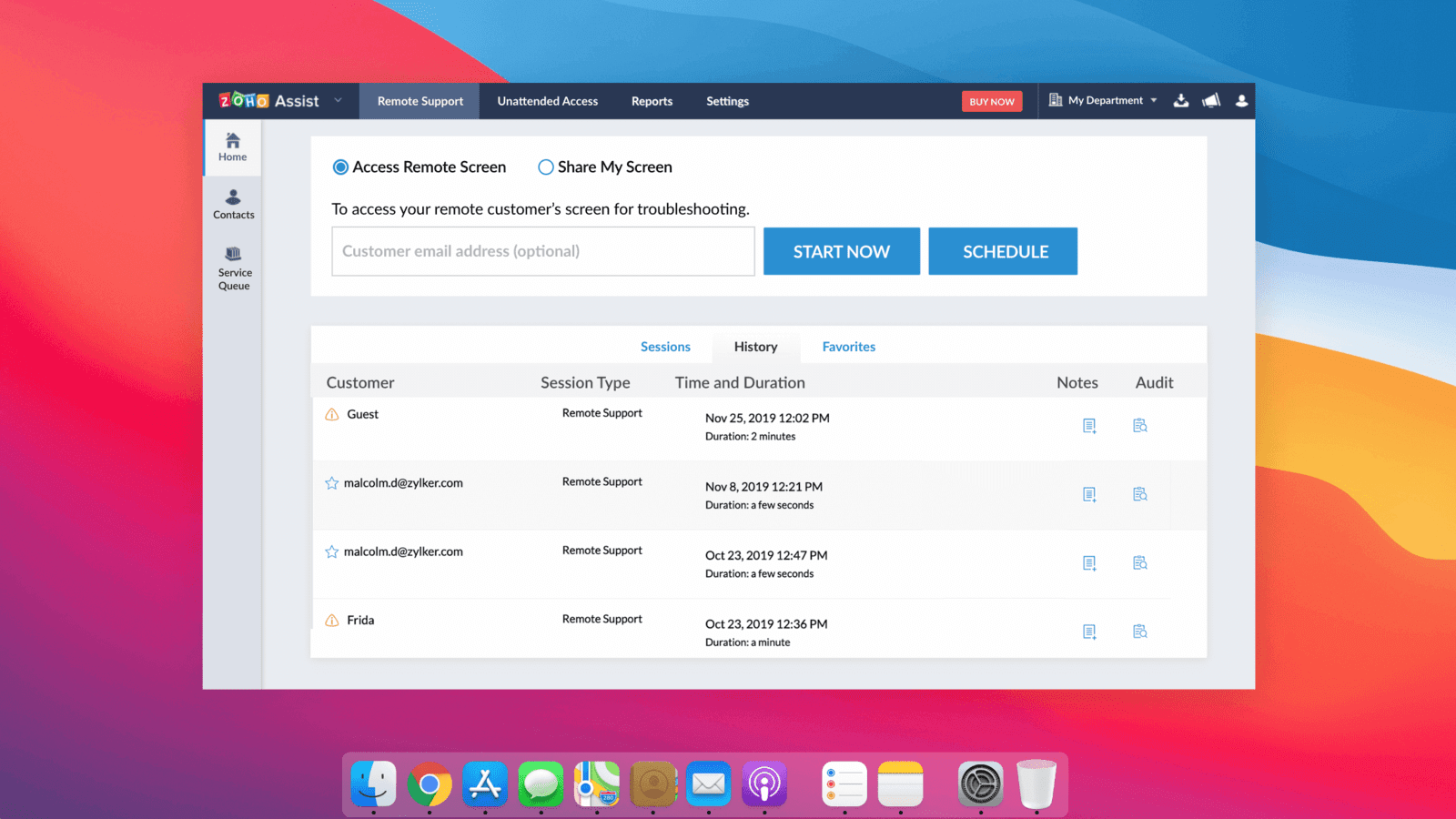
Zoho Assistis a leading remote support application trusted by over 70 million customers globally—from large corporations to single-device startups. It offers rich features to enhance your remote support experience, and flexible pricing plans to suit your business needs.
- Instantly access your remote device from any location.Remotely connect and control any number of remote devices, such as printers, desktops, smartphones, and servers.
- Work from home effectively.Take your work with you wherever you go, and access your office files from home with Zoho Assist unique remote experience.
- Provide remote IT solutions.Provide efficient, real-time technical support to your customers and colleagues by remotely accessing their devices.